How it works
Some of the best parts of Tell Anew are easy to miss. Each of these is under a minute, with sound.
When you don't know what to say
Let it ask you
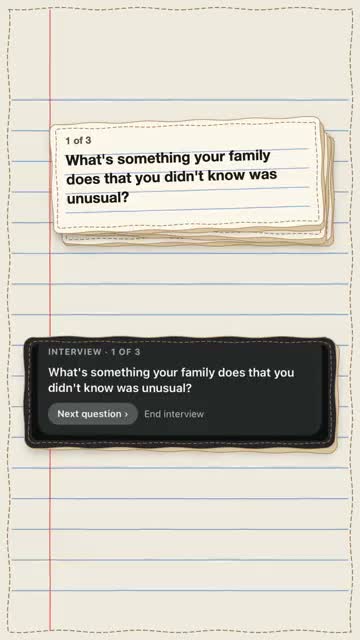
Not sure what to say? Tap today's question and it walks you through a few more as you talk. Afterwards, each question sits in your transcript above your answer.
Watch with sound 0:43
Check in
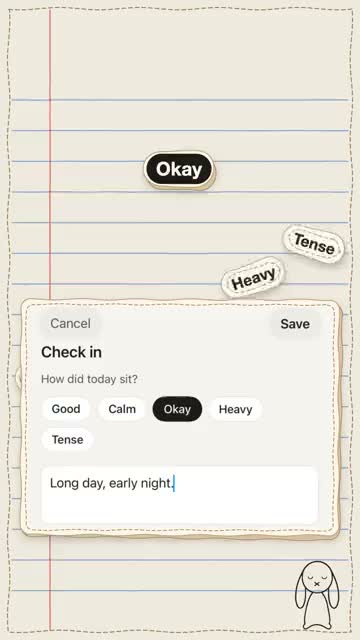
Some days, one word is enough. Pick how today sat, add a line if you want, or talk about it for up to a minute.
Watch with sound 0:29
The days it's hard to start
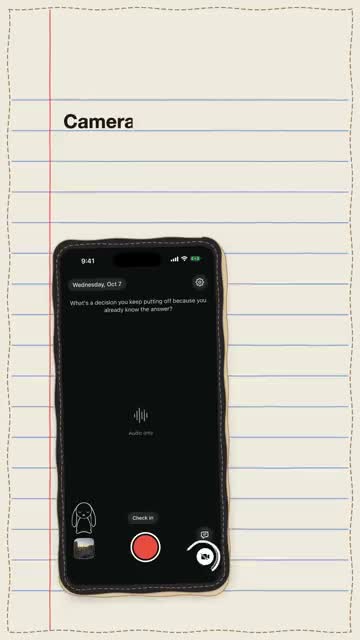
Not up for the camera? Turn it off and just talk; your words are still written down. And keep it one tap away: a Record control in Control Center, or today's question on your lock screen.
Watch with sound 0:42
It listens
Talking to your phone can feel like talking to no one, so something listens: its ears go up when you press record. After a while, your phone may ask one small question about something you said. Answer it if you want, and it's saved as a reply. The question needs Apple Intelligence.
Watch with sound 0:38
When you already have the moment
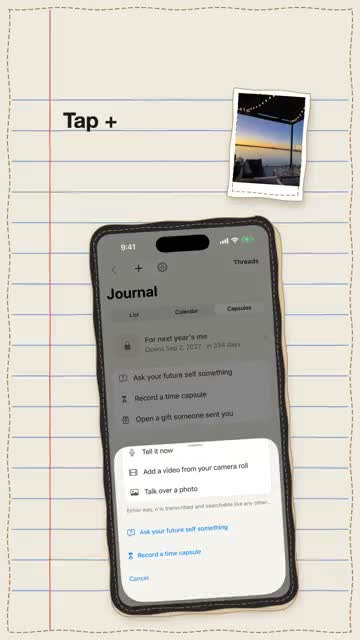
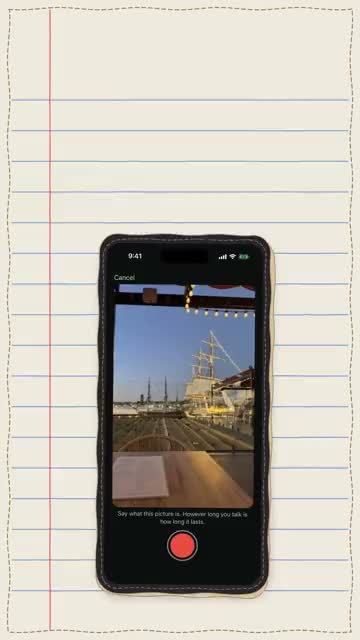
Talk over a photo
Pick a photo and tell its story. It lands on the day the photo was taken, and however long you talk is how long it lasts.
Watch with sound 0:34
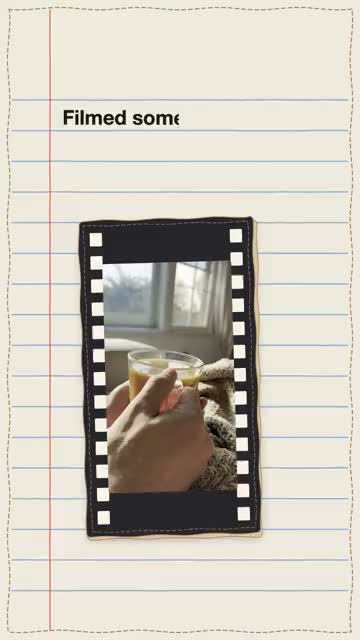
Talk over a video
Filmed something but didn't say a word? Add it from your camera roll, record your voice over it, and slide some of the room's own sound back in under your voice.
Watch with sound 0:48
When you want it back
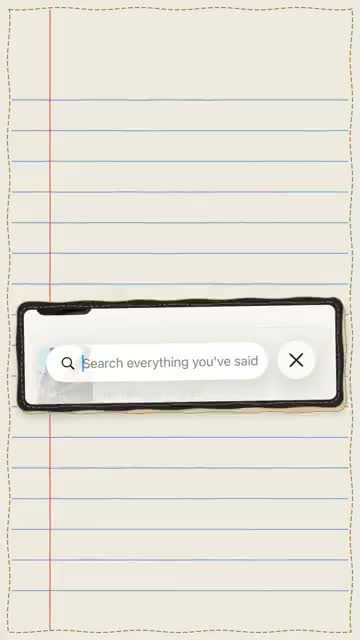
Find the exact second
Search one word you remember. The video opens at the sentence where you said it, and tapping any line of the transcript jumps right there.
Watch with sound 0:32
Mark a moment
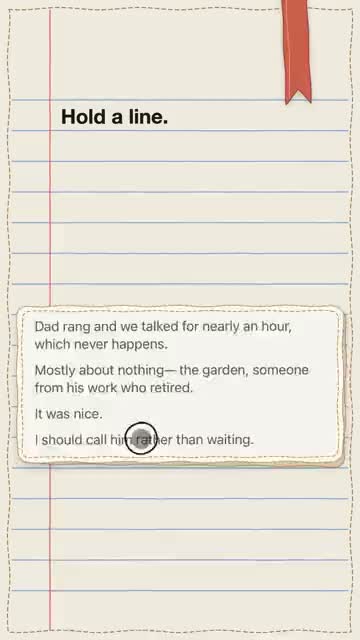
When one line stops you, mark that second, even before you have the words. A few days later it comes back to you. Add a thought whenever the words come, and it sits under the line, with how long after you wrote it.
Watch with sound 0:40
Your words, alive
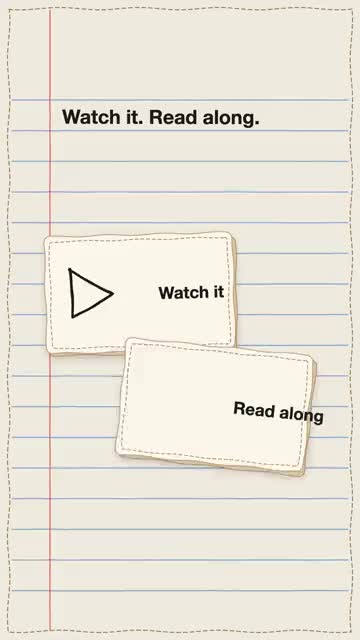
Watch with your lines underneath, read along as the line you're on turns bold, or lock the screen and just listen. The lock screen only ever says Tell Anew. Hold any line to fix a word, like a name spelled your way, and it stays at the right second.
Watch with sound 0:48
Reply to an old entry
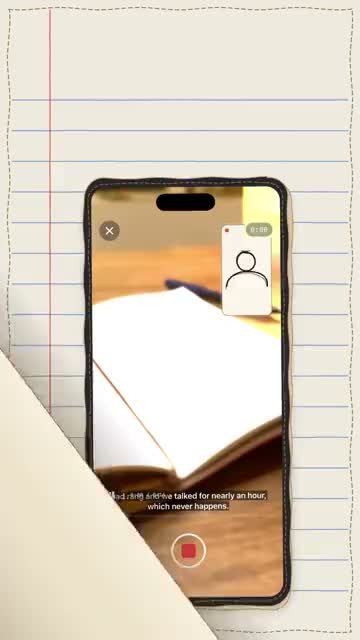
Rewatch an old entry and talk back to it. It plays big while you record, and you can pause it or slide back to a moment. Your reply is saved as its own entry, linked to the old one, with how long after you said it.
Watch with sound 0:43
For later
Seal a time capsule
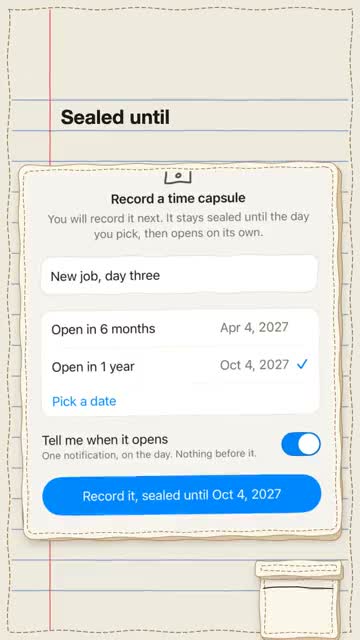
Record an ordinary day and seal it until a day you pick. Until then you can't watch it, and search can't find it. When it opens, you hear what it turned into.
Watch with sound 0:42
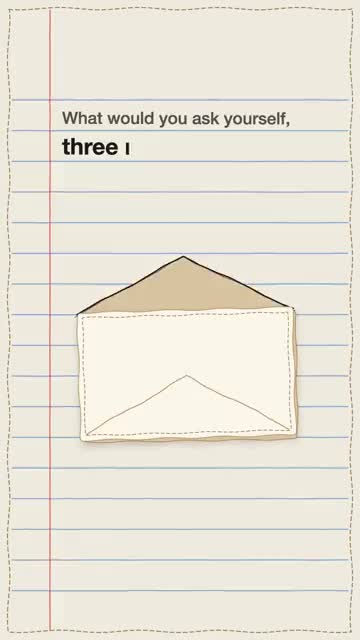
Ask your future self something
Type or record a question and pick the day it comes back. Until then it stays sealed. On that day it is waiting over your camera, in your own words.
Watch with sound 0:34
Send a capsule as a gift
Say thank you in your own voice, seal it until their birthday, and send it by AirDrop or Messages. It waits on their phone until the day. They'll need Tell Anew to open it.
Watch with sound 0:41
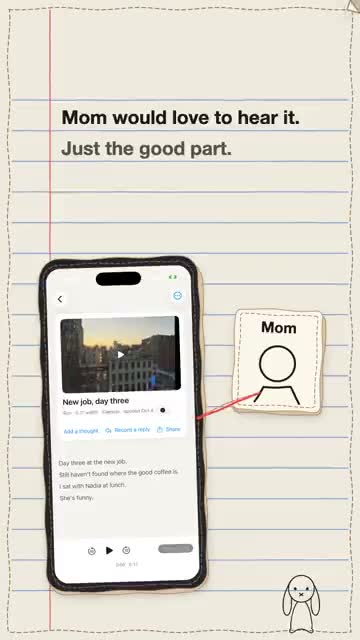
Share just a piece
Send all of an entry, or trim it to just the part you want. It arrives as a short video anyone can play, and your entry stays whole. Or hold a line and send it as text, with the day you said it.
Watch with sound 0:43
It's yours
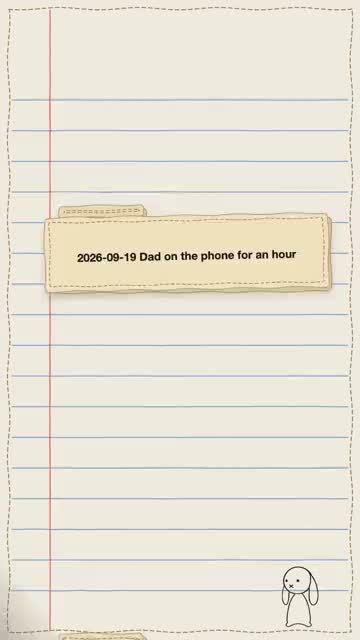
Export everything
One zip, a folder for every entry, named by its day. Inside: the original video, the subtitles, and every word you said, with your thoughts. Free, any time, from Settings.
Watch with sound 0:39
Private by design
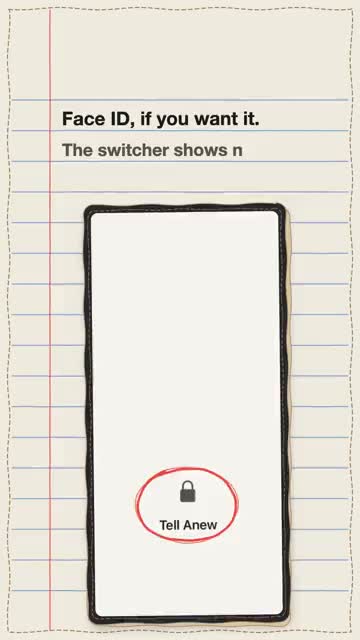
No account and no servers of ours. Your words are written out on the phone itself, and it works in airplane mode. Face ID can lock the app, the app switcher shows nothing, and a backup goes to your own iCloud only if you turn it on.
Watch with sound 0:38
After a few weeks
Some things only show up once you've been talking for a while.
Your month, played back
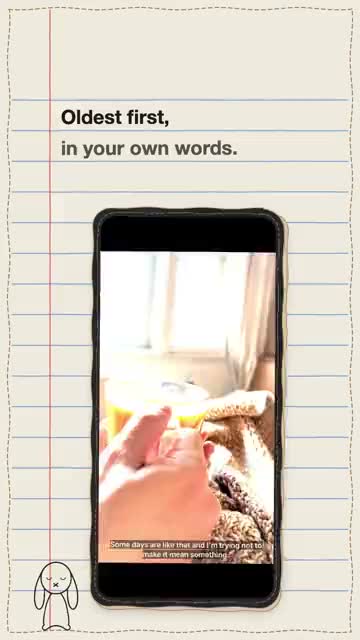
When a month ends, your journal hands it back on one card. Tap Watch and the whole month plays, oldest first, with your words underneath. Every month waits in the calendar too.
Watch with sound 0:29
Your journal gives back
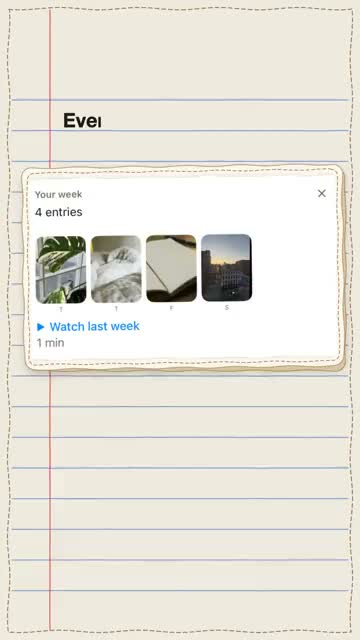
Every Monday, a card with last week, ready to watch. Some days, one old entry comes back and says why, like a year ago today. Hold any day in the calendar to see that date in every year you've recorded. No streaks, no catching up.
Watch with sound 0:40
What you keep talking about
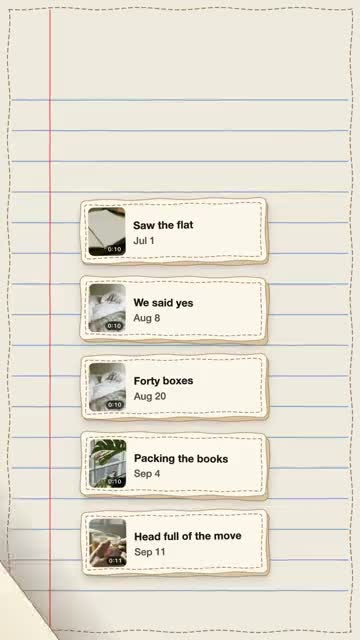
When something keeps coming up, your journal notices. Threads gather those entries on their own, named in your own word for it, with how often and when you last talked about it. Rename or hide one any time. It's all found on your phone.
Watch with sound 0:40
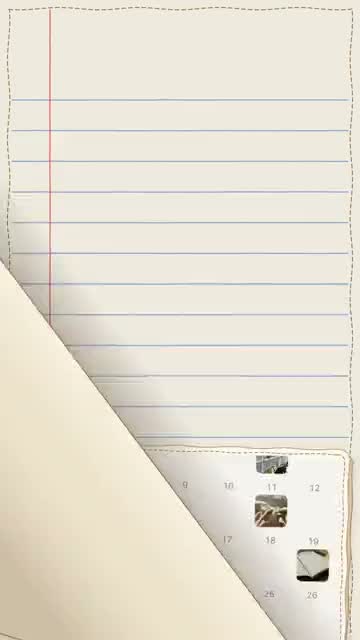
The calendar
Every day you recorded shows a picture from it. The days you didn't just stay blank: no streaks, no counting. Tap one to tell it now or add a video or photo to it, or tap a day ahead and leave yourself a question for it.